

Move a task to another day
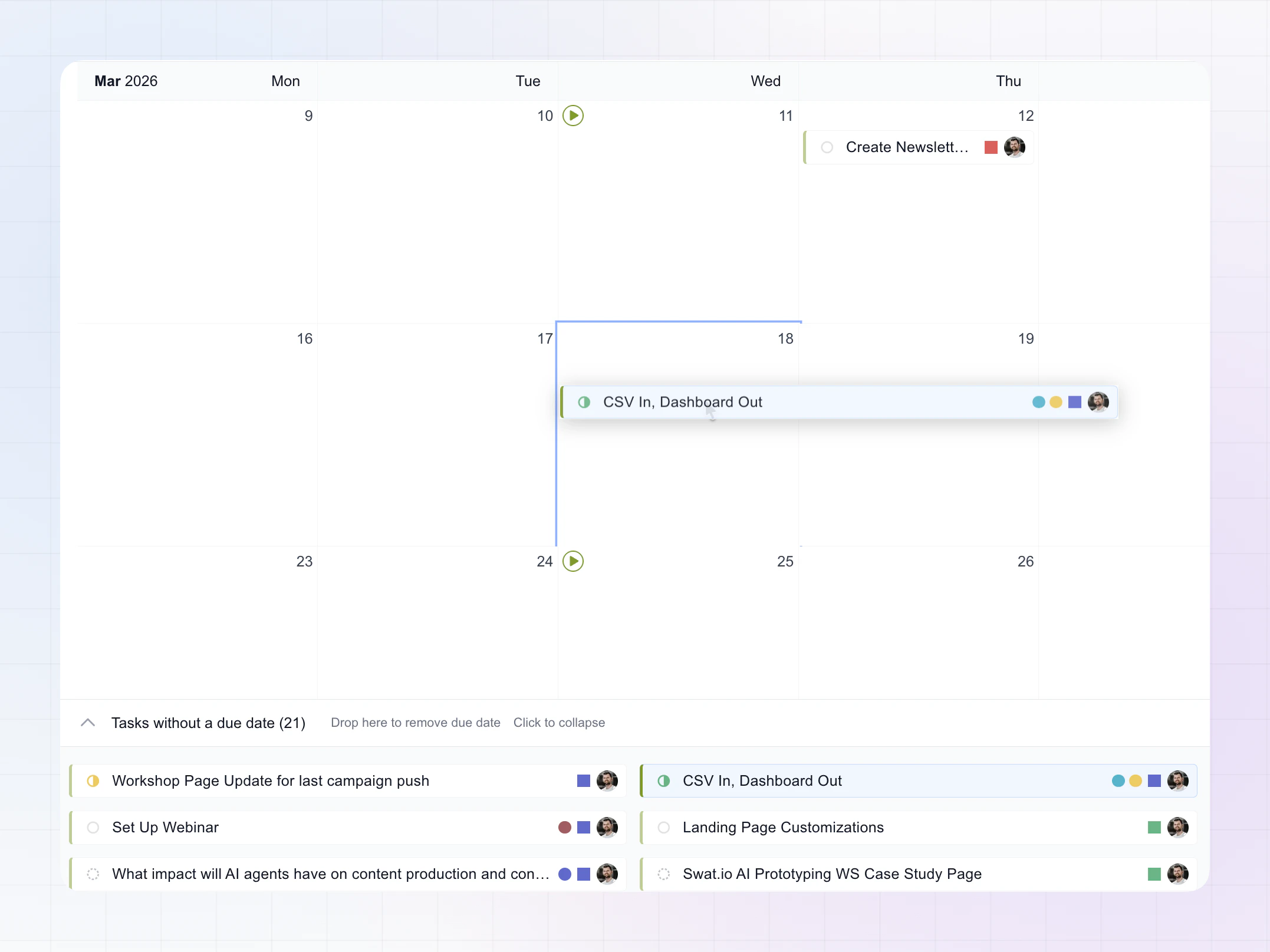
- Click and drag a task card.
- Drop it on a different day cell in the calendar.
- LinCal updates the due date immediately in Linear.
Notes
- Only the due date changes.
- Day cells highlight when they are valid drop targets.
Remove a due date
- Drag a task card to the bottom bar: Tasks without a due date.
- Drop it there.
- The task is updated to have no due date.
Notes
- Use this when a task should stay unscheduled.
- You can expand the bottom section to review all unscheduled tasks.
Tips
- Use Today to quickly return to the current week before dropping.
- Overdue tasks can be rescheduled quickly with drag and drop.