

On Windows and Linux, use Ctrl wherever a shortcut says Cmd.
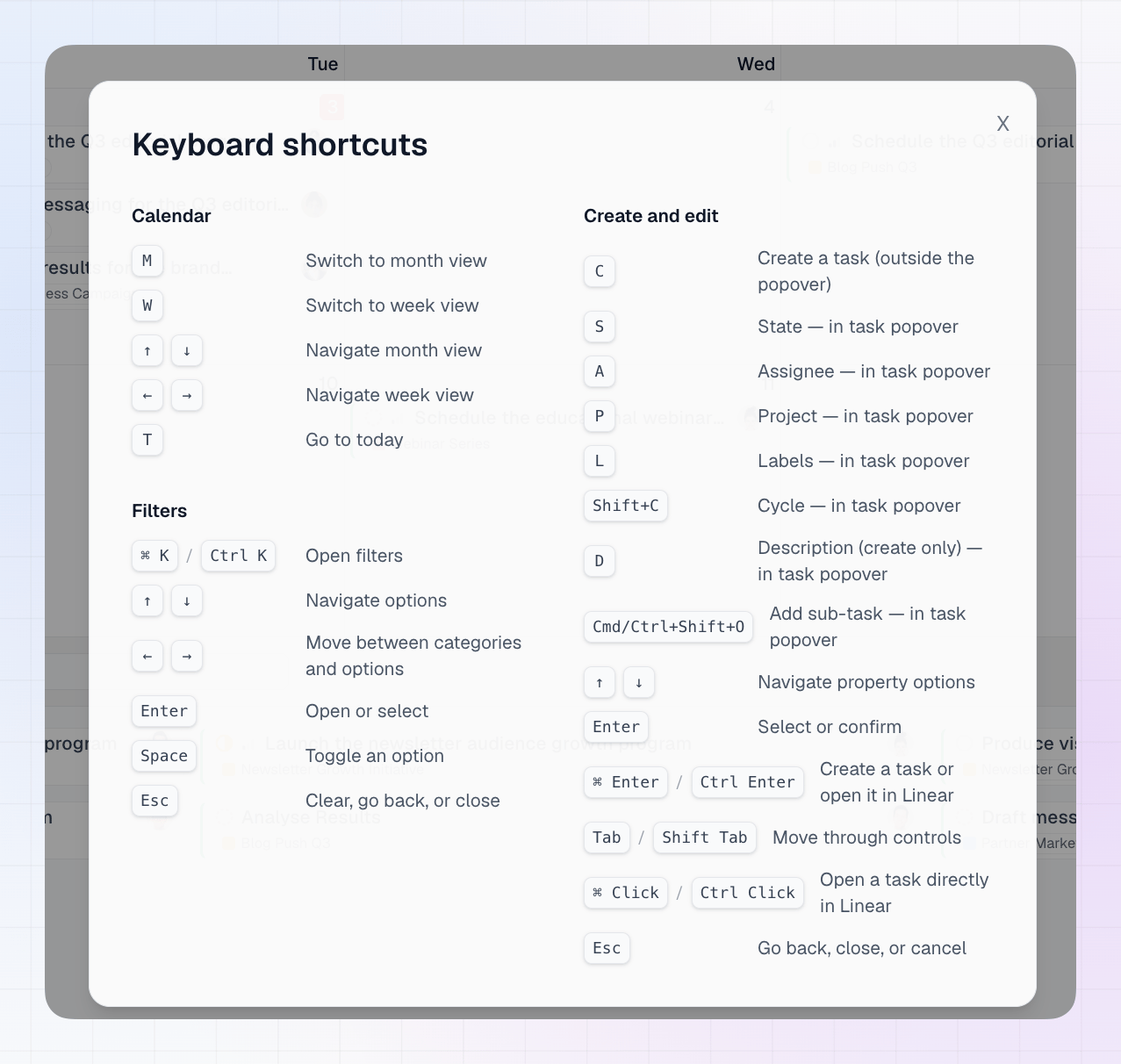
Calendar
See Calendar View for more on moving through the calendar.
Filters
See Filtering for more on filters.
Creating and editing tasks
Start a task
In the task window
When the task window is open, press a letter to jump to that property.Moving and confirming
See Creating Issues for the full task creation and editing flow.